

What it does
The Chilled Stream is the unit under your sink that chills your filtered water. It works with the X51 Boiling and Chilled and the 4 in 1 Boiling and Chilled taps.

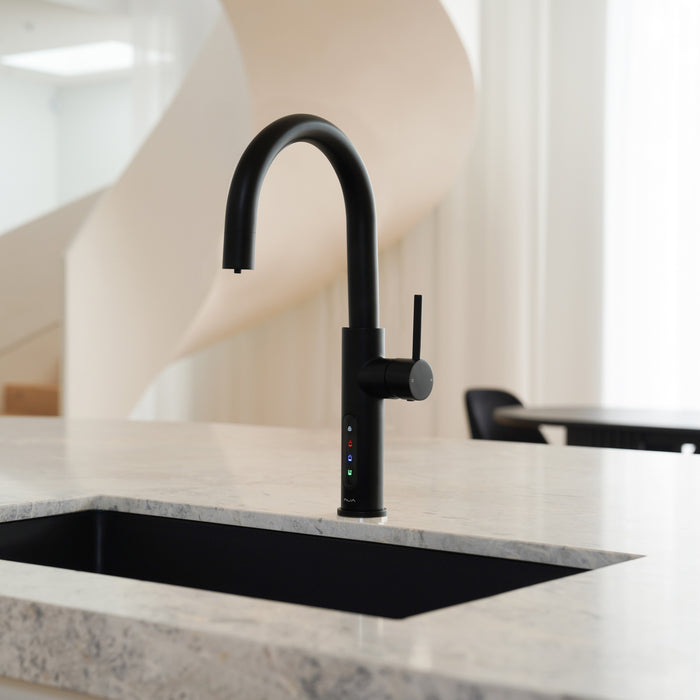
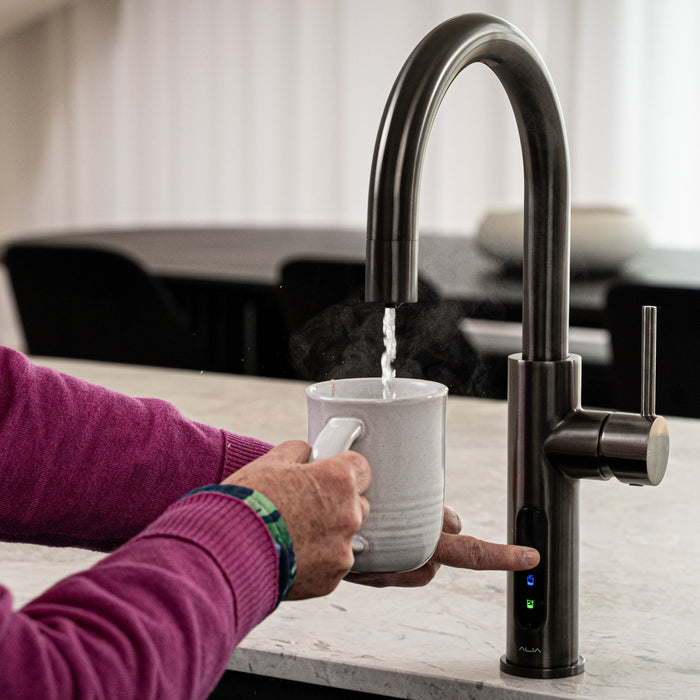
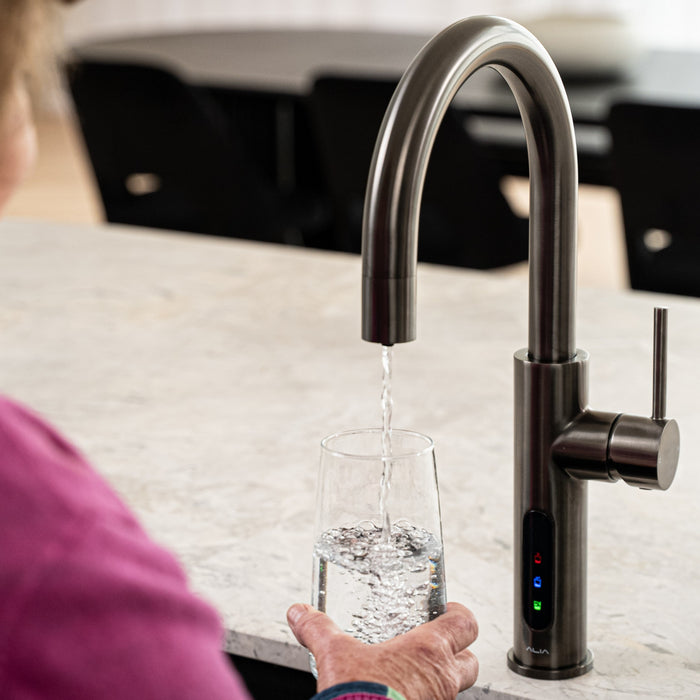
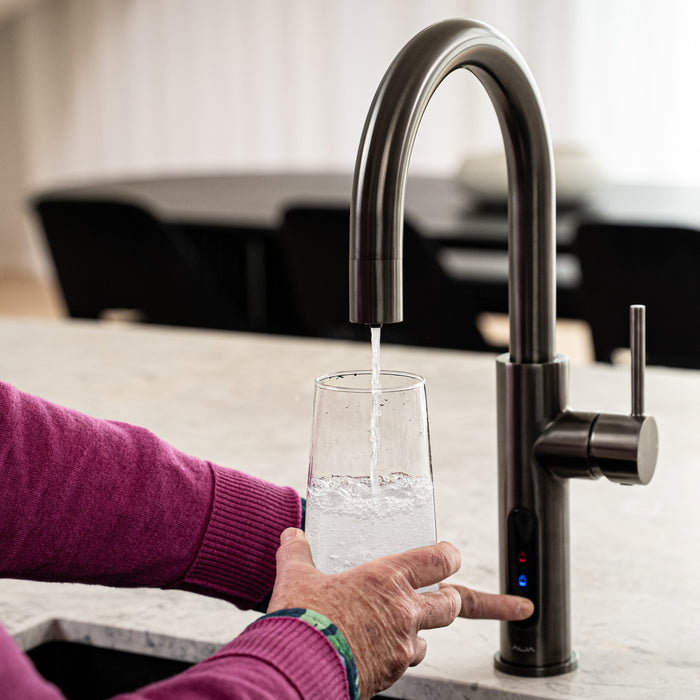
Taps that pour filtered boiling, chilled or sparkling water.
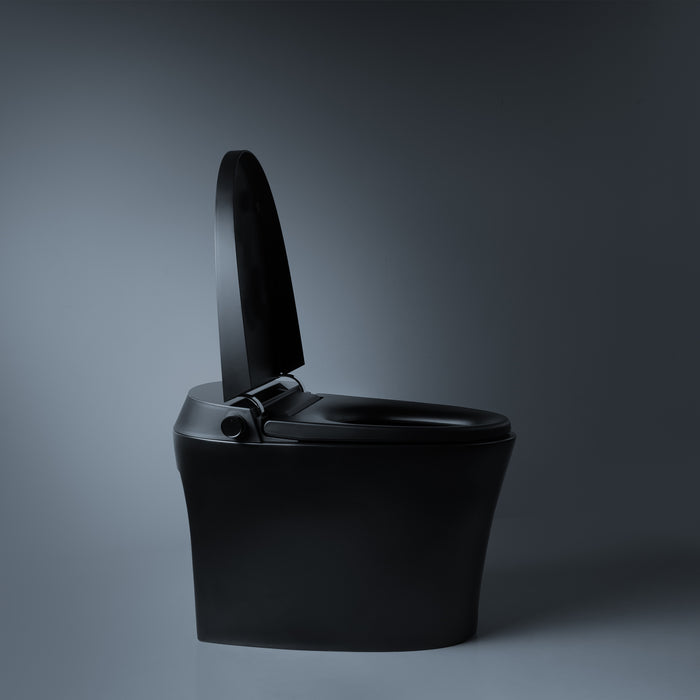
A toilet with an integrated bidet, heated seat and warm air dryer.
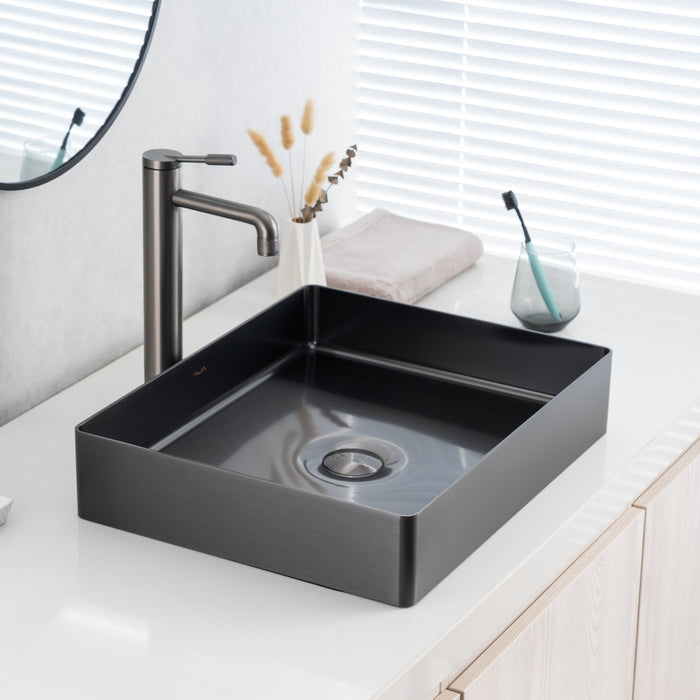
Round and rectangular basins that sit on top of the vanity.
For Alia owners. Upgrade kits, taps sold on their own, filter cartridges and CO₂.
Filtered boiling and chilled water, plus normal hot and cold, from one tap.
See all boiling & chilled water tapsFiltered boiling, chilled and sparkling water from one tap.
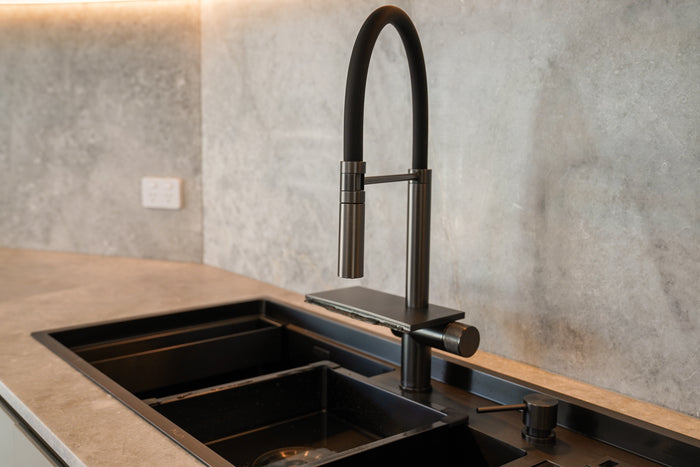
See all sparkling water tapsTwo-bowl stainless steel sink with a built-in cup washer and pull-out mixer.
See the Smart SinkProduct support
How the Chilled Stream under your sink is installed, how to set its temperature, look after it and fix common problems.

The Chilled Stream is the unit under your sink that chills your filtered water. It works with the X51 Boiling and Chilled and the 4 in 1 Boiling and Chilled taps.
The panel on the front has a snowflake button for the temperature and a power button.
Stand it level, with space around it for air. It gives off heat, so the cabinet needs a vent. Without one, keep the cabinet door open while it runs. A large cabinet with plenty of space around the Chilled Stream doesn't need a vent.
Keep it away from heat, direct sun, damp and dust, and away from anything that burns. Make sure the power cord isn't trapped or squashed.
To release a tube, take the clip off, hold the collet in and pull the tube out. Use the new tubes supplied, never old ones.
Only connect it to mains water that is safe to drink. Don't connect it to rainwater from a tank, or to water that is microbiologically unsafe.
Turn the water on and run the chilled water until it flows from the tap. This fills the tank. Check every connection point for leaks.
Plug it in and switch it on. Run chilled water for 5 minutes to flush it, and don't drink it until it's flushed. Within 15 minutes the water should start getting colder.
Don't change it while the Chilled Stream is cooling. Wait until it settles.
Check its plug is in and its powerpoint is on. Check the cord isn't damaged.
Move it out of direct sun and away from heat, such as an oven or dishwasher. If the cabinet is small, check it has a vent.
The temperature probe needs checking. Switch it off and call us on (03) 9219 0189. Don't open the unit.
| Part | Detail |
|---|---|
| Size | 140mm wide, 350mm deep, 310mm high |
| Water | Chilled, 8–12°C |
| Connections | 1/4" quick-connect tubes, Water In and Water Out |
Your Chilled Stream is covered by Alia's 2-year warranty. Keep your proof of purchase.
Don't open, modify or repair the unit yourself. It's unsafe and it voids your warranty. Read the full warranty policy.
Call (03) 9219 0189 or email sales@aliaglobal.com.au. Tell us your model and any code on the display, and have your proof of purchase handy. A photo of the setup under your sink helps us help you.
Nothing matches that search. Our team can help on (03) 9219 0189
Call or email our team. Have your model and proof of purchase handy.