

What it does
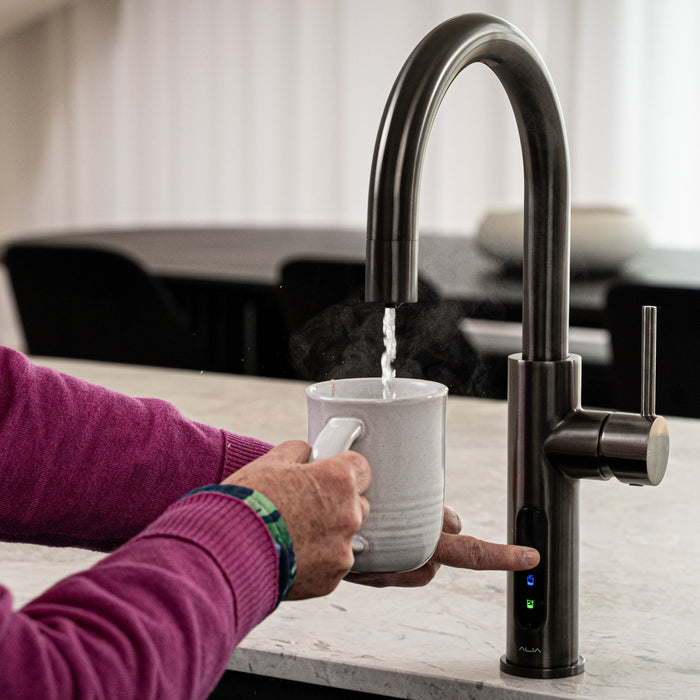
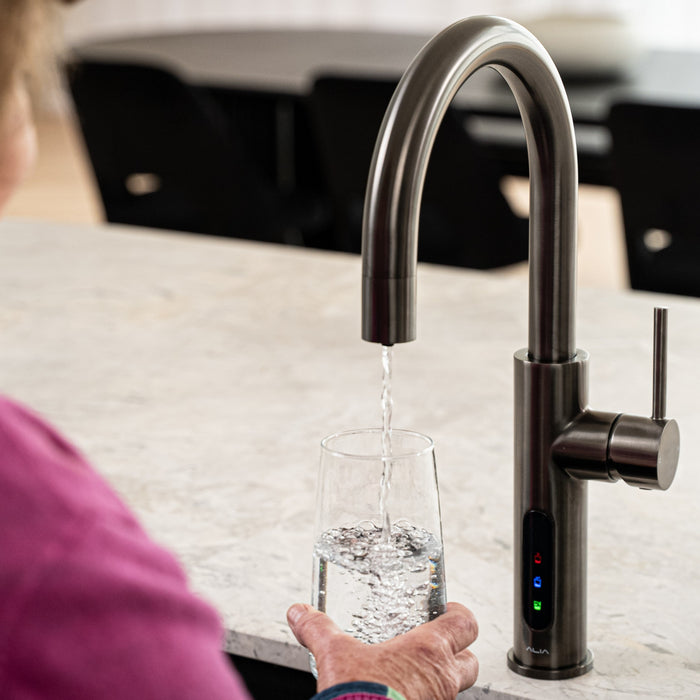
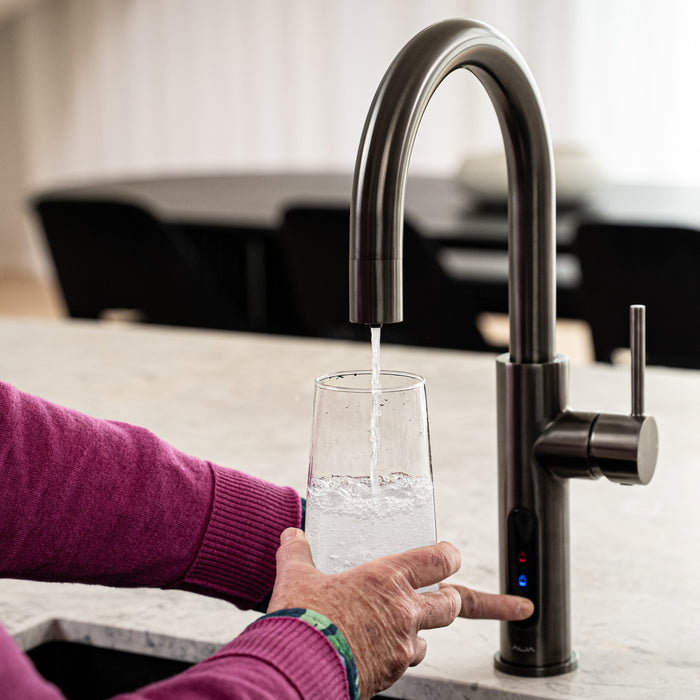
The Fizz-X is the unit under your sink that chills your filtered water and carbonates it with CO₂ for sparkling water. It works with the Alia X51 Boiling, Chilled and Sparkling tap.

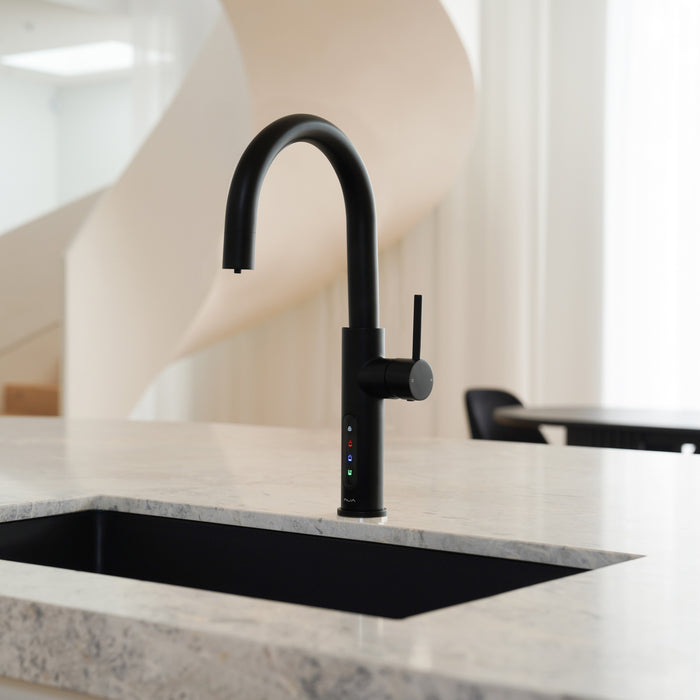
Taps that pour filtered boiling, chilled or sparkling water.
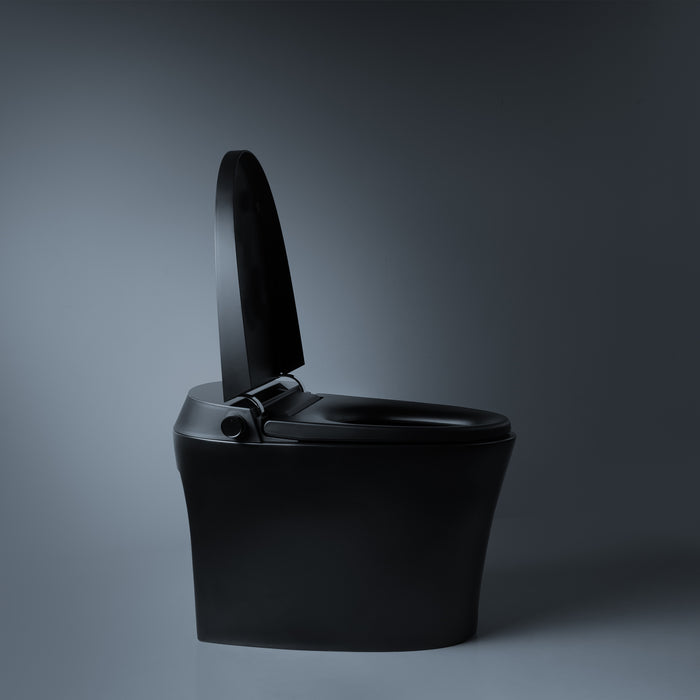
A toilet with an integrated bidet, heated seat and warm air dryer.
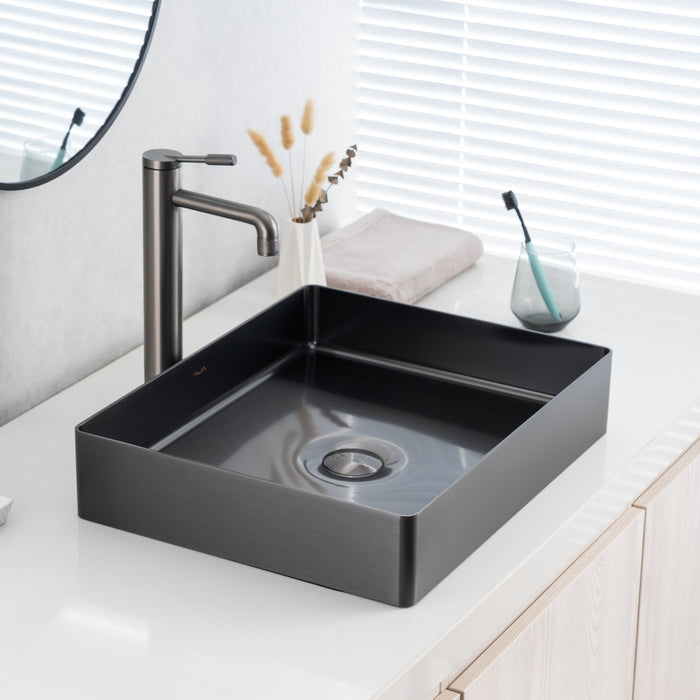
Round and rectangular basins that sit on top of the vanity.
For Alia owners. Upgrade kits, taps sold on their own, filter cartridges and CO₂.
Filtered boiling and chilled water, plus normal hot and cold, from one tap.
See all boiling & chilled water tapsFiltered boiling, chilled and sparkling water from one tap.
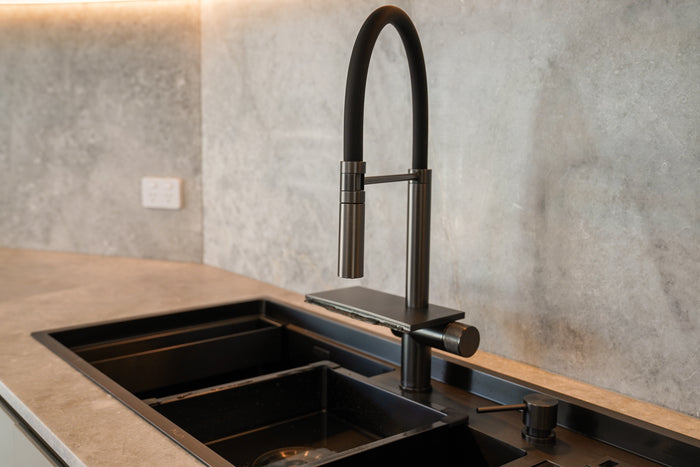
See all sparkling water tapsTwo-bowl stainless steel sink with a built-in cup washer and pull-out mixer.
See the Smart SinkProduct support
How the Fizz-X under your sink is installed, how to set its temperature and fizz, look after it and fix common problems.

The Fizz-X is the unit under your sink that chills your filtered water and carbonates it with CO₂ for sparkling water. It works with the Alia X51 Boiling, Chilled and Sparkling tap.
The panel on the front has three parts. The top button sets how cold your water pours. The middle shows the water temperature. The bottom button switches the Fizz-X on or off.
The power switch and the water, chilled, sparkling and CO₂ connections are at the back.
Stand it level, with about 50mm of air around it. It gives off heat, so the cabinet needs a vent. Without one, keep the cabinet door open while it runs. A large cabinet with plenty of space around the Fizz-X doesn't need a vent.
Keep it away from heat, direct sun, damp and dust, and away from anything that burns, such as alcohol or solvents. The water coming in and the air around it should stay between 10°C and 38°C.
Press the grey collet on each port and pull out the shipping plugs. Connect water in from the filter, the chilled and sparkling lines to the X51 control box, and the CO₂ gas line to the yellow CO₂ port.
Plug it into its own earthed powerpoint. No double adaptor or extension lead, and don't knot or tie the cord.
Only connect it to mains water that is safe to drink. Don't connect it to rainwater from a tank, or to water that is microbiologically unsafe.
The regulator on the CO₂ cylinder has two gauges. Turn its black knob clockwise until the needle on the right-hand gauge sits at 4 bar, the red line. That's the pressure the Fizz-X needs.
Switch on at the back, then hold the power button on the front for 2 to 3 seconds. Press the sparkling button on the tap once and let it run for one minute, to flush the sparkling line before anyone drinks from it. Press it again to stop.
Touch the top button on the panel to change the temperature. Don't change it while the Fizz-X is cooling. Wait until it settles.
Turn the regulator knob for a lighter or a stronger fizz. The left-hand gauge shows how much CO₂ is left in the cylinder. When its needle reaches the red zone, it's time for a new cylinder.
Drain the cold tank. Unplug the Fizz-X, then remove the drain plug at the bottom and let the water out. Refit the plug before you use it again.
Never touch the plug with wet hands, and keep the cord away from the radiator at the back. Keep the vents clear and don't put anything on top. Never wash it with water.
Check the powerpoint is on and the power switch on the back is on. If it's still blank, call us. Don't open the unit.
The water is off or the pressure is too low. Check the stop tap is open and your mains water is on.
A temperature sensor connection needs checking. Switch the Fizz-X off and call us on (03) 9219 0189.
After you first switch it on, it takes about 40 minutes to chill. After heavy use, give it about 20 minutes. Check it has air around it.
Check the right-hand gauge reads 4 bar. If the left-hand gauge is in the red zone, the cylinder is running low.
| Part | Detail |
|---|---|
| Size | 230mm wide, 400mm deep, 340mm high |
| Water | Chilled 8–12°C, chilled sparkling |
| CO₂ | Regulator set at 4 bar, the red line |
| Air | About 50mm around the unit. A cabinet vent or open door, unless the cabinet is large |
| In the box | Power cord, four PE tubes, two insulation sleeves, four quick-connect switches |
Your Fizz-X is covered by Alia's 2-year warranty. Keep your proof of purchase.
Don't open, modify or repair the unit yourself. It's unsafe and it voids your warranty. Read the full warranty policy.
Call (03) 9219 0189 or email sales@aliaglobal.com.au. Tell us your model and any code on the display, and have your proof of purchase handy. A photo of the setup under your sink helps us help you.
Nothing matches that search. Our team can help on (03) 9219 0189
Call or email our team. Have your model and proof of purchase handy.